Ask what an iPad is for in family history and most people say "research on the couch." Which it does, badly — genealogy research wants a keyboard, several windows, and a large screen, and a tablet gives you none of those.
That framing sells the device short, because it's measuring the iPad against a job it was never the right tool for. The iPad's real advantage is one no other surface has: it goes where the people are.
The surface that travels
The television is the best place for a family tree and it has one hard limitation — it's bolted to a room in your house. Everyone else has to come to it.
The iPad doesn't have that problem. Which makes it the right tool for four specific situations, all of which are where family history actually happens:
A relative's house. The aunt with the photographs, the cousin who remembers the names. You bring the tree to their kitchen table instead of describing it over the phone.
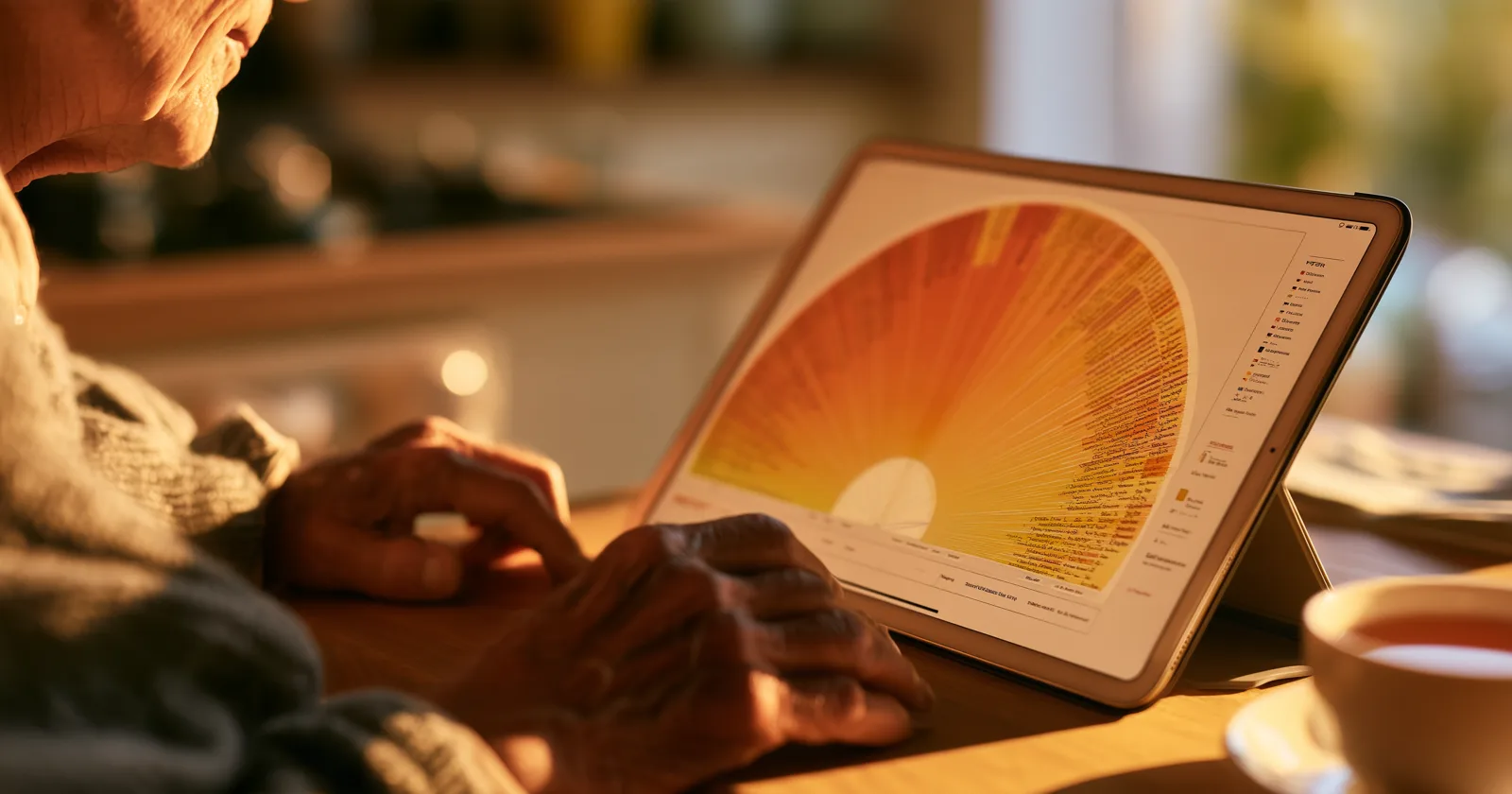
A care home or hospital. This one matters more than the others combined. The people with the most to tell you are frequently the least able to travel, and a tablet on a lap is a completely different proposition from a laptop on a tray table. You sit beside someone, the chart is between you, and they talk.
A reunion. Church halls and rented rooms do not have televisions you can use. A tablet passed around a table works, and works better than a printed chart because it isn't fixed to one person's perspective. More on that gathering.
Anywhere someone says "wait, who was that?" The tree lives in a bag. You get to answer the question when it's asked instead of an hour later at home.
The second-screen role
The other genuine use, and it's the one the article title refers to.
When the tree is on the television with the family in the room, someone is driving. If that person is looking down at a remote and thinking about where to go next, they're not part of the conversation — they're operating equipment.
A tablet in hand, with the TV showing the room, splits those jobs. The driver can look ahead, find the person someone just mentioned, check a date, and keep up with a conversation that's moving faster than the chart. Everyone else watches the wall.
That's a small thing that changes the feel of an evening quite a lot, and it's why the two devices are complementary rather than redundant. More on running that evening.
Mirroring, honestly
The common approach is running a genealogy app on the iPad and mirroring it to a television over AirPlay.
It works, and some developers support it deliberately — Synium's MobileFamilyTree, for instance, is explicit that you can project its interactive tree views to a TV this way, and its charts hold up on a big screen better than most.
It's also clumsy, in ways that are obvious the second time you try it:
- The interface is still the touch interface, just larger. Controls sized for a fingertip at arm's length, blown up to sixty inches at ten feet.
- Somebody has to hold the iPad, looking down, while everyone else looks up. The shared screen isn't quite shared.
- It drops. Mirroring is fragile, notifications appear on the wall, and a call coming in puts your lock screen where your great-grandmother was.
- Nothing persists. Close the app and the TV goes black. There's no state the tree can rest in.
Mirroring is a way to demonstrate something. It isn't a place a family tree can live.
The argument for a native app on each device is the same argument as for a native TV app: the input is different, the viewing distance is different, and pretending otherwise produces something that works in a demo and annoys you in use.
What we built for iPad
Bright Branches has a native iPad app, sharing the same tree as the TV apps and the web viewer — FamilySearch, a GEDCOM upload, or an Ancestry import. Five designs, the same palettes and backgrounds, and your tree follows your account rather than the device, so picking up the iPad on the way out the door requires nothing.
Two things worth saying plainly rather than letting you find out after installing:
It's landscape-only. The tree is a wide object and a portrait tablet is the wrong shape for it, so the app doesn't pretend otherwise. If you're the kind of person who holds a tablet upright by default, this will feel like a constraint for about a day.
It's for viewing, not researching. You won't manage sources or reconcile conflicting records here. That belongs in your research program on a machine with a keyboard. This is the showing end.
The thing the iPad is actually best at
Sitting next to someone.
That's not a feature and it doesn't appear on a spec sheet, but it's the whole case. Family history has a clock on it — the people who remember the most are the oldest people you know, and every year some of what they carry stops being recoverable.
A device you can take to them, put between you, and use as a prompt for two hours of conversation is worth more than any interface consideration. Record the audio while you're at it. The chart is what you brought; the recording is what you leave with.
Keep reading: