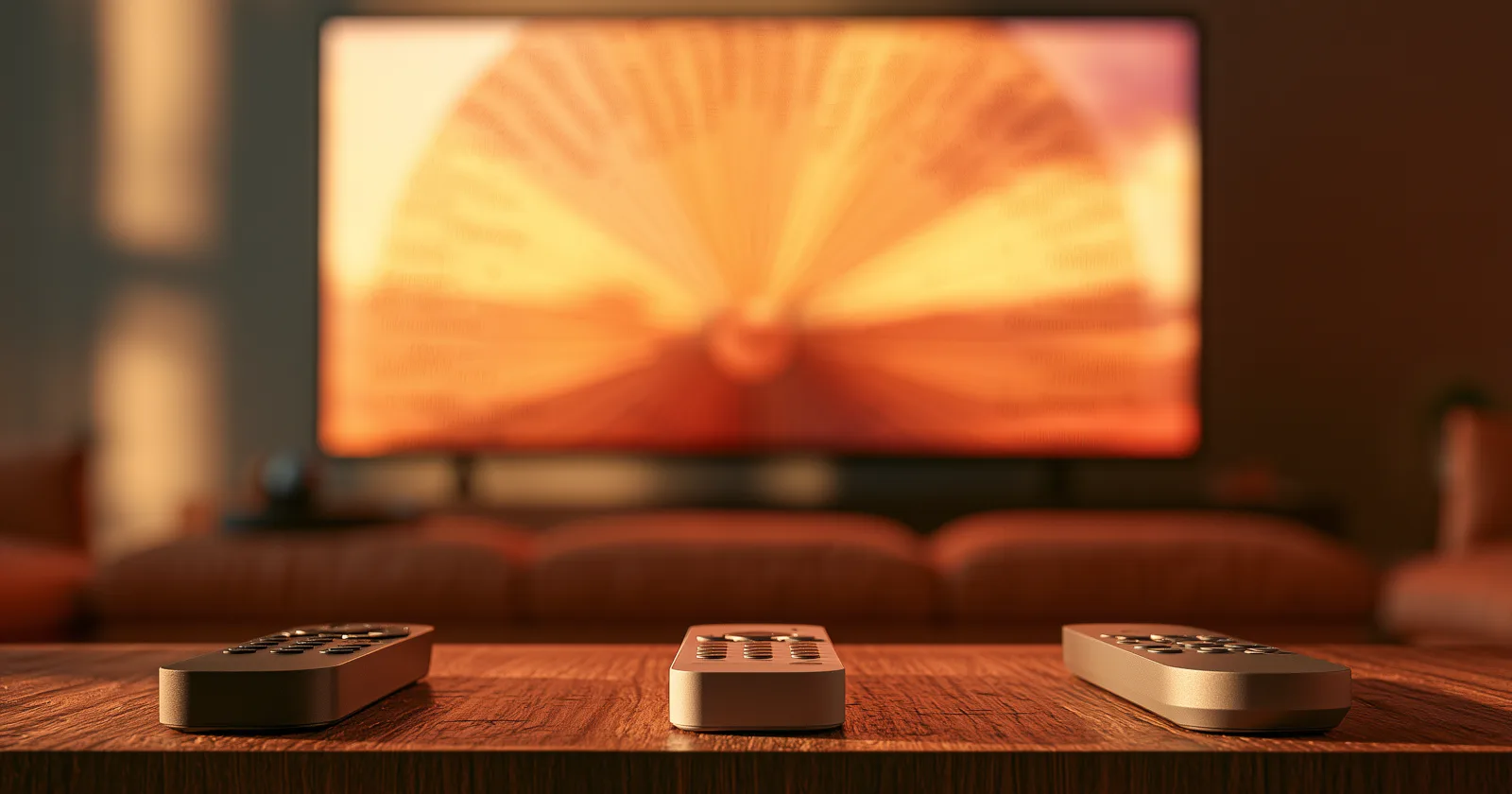
Three platforms currently have native family-tree apps: Apple TV, Google TV and Android TV, and Fire TV. If you're choosing a device specifically for this, or wondering whether the one you own is the right one, those are the three in play.
The good news is that none of them is a bad choice. The differences that matter here are not the ones streaming reviews cover — nobody's family tree experience is limited by processor speed or HDR support. What actually separates them is the remote, the idle behavior, and how much the home screen fights you.
What actually matters, and what doesn't
Doesn't matter: raw performance. A family tree is mostly text and vector shapes. Even a modest streaming box handles a large tree comfortably, and a cheap stick you already own is very unlikely to be your limiting factor. More on that if your hardware is older.
Doesn't matter: 4K, HDR, Dolby Vision. Useful for film, irrelevant for a chart.
Matters a lot: the remote. You're moving continuously through a tree rather than pressing a button four times, and remotes vary enormously in how well they handle sustained directional movement.
Matters a lot: what the device does when idle. If the tree is going to live on your wall, the screensaver and ambient behavior — and how aggressively the device overrides it with its own content — is the whole experience.
Matters: how much the home screen is trying to sell you something on the way in.
Apple TV
The remote is the best of the three for this, and it isn't close. The current Siri Remote has a proper directional pad with a touch-sensitive outer ring, which handles sustained movement well and gives you both precision and speed depending on how you hold it. If you're moving through a large chart for twenty minutes, this is the one that doesn't tire you out.
Idle behavior is excellent. The aerial screensavers are genuinely beautiful, the device drops into them predictably, and it will pull from your own photo albums instead. Pointing that at scanned family photographs is the single best free thing you can do with an Apple TV this weekend.
The home screen doesn't fight you. No promoted rows, no ads for content you don't have. You turn it on and your apps are there.
The cost is the cost. It's substantially the most expensive of the three, and the gap is real.
Also worth knowing: Apple TV has no web browser at all. On other platforms you can sometimes fall back to a website; here there is no fallback. If a service doesn't have a native app, it doesn't exist on this device. More on why that's shaped the genealogy category.
Google TV and Android TV
The remote is adequate. Directional pad, works fine, no more than that. Sustained movement is a little less fluid than on Apple's remote, and the button layout on many models is cluttered with service shortcuts you'll never press.
Ambient Mode is the standout feature. It defaults to a curated art and photography stream and can be pointed at a Google Photos album instead, and the transition into it is smooth and reliable. For ambient family-photo display, this is arguably the best of the three, and it's free.
The home screen is busier. Promoted content, recommendation rows, and things you didn't ask for. Not egregious, but it's there.
Enormous hardware range. Google TV runs on everything from cheap dongles to expensive boxes to televisions with it built in, which means you may already own it without having bought anything. Quality varies accordingly.
Fire TV
The remote is fine and the volume buttons are genuinely useful — it controls your TV's volume directly, which sounds trivial and isn't when it's the only remote on the table.
Ambient Experience is good on newer devices and does the photo-album thing well. Older Fire TV hardware doesn't have it at all, which is a meaningful split within the same brand.
The home screen is the most commercial of the three by a clear margin. Large promoted rows, prominent placement for Amazon's own content. If that bothers you, it will bother you every single time you turn the television on.
It's usually the cheapest, frequently by a lot, and it goes on sale constantly.
The tiebreakers
If you already own one of the three, keep it. The differences are not large enough to justify buying a second device. All three run the app, all three handle the tree, all three do ambient photos.
If you're buying and the tree will be used actively — moving through it with people in the room, family history nights, showing relatives — buy the Apple TV. The remote is the reason, and it's a bigger factor over an evening than any spec.
If you're buying and the tree will mostly sit there as ambient art on the wall, Google TV or Fire TV is the sensible spend. Idle display is where they're strongest and where the price difference is hardest to justify paying past.
If the television is a hand-me-down for a parent or grandparent, Fire TV or Google TV on price, with one caveat: whoever sets it up should turn off as much of the promoted content as the device allows, because a busy home screen is genuinely harder for an unconfident user to navigate than a quiet one.
The setup nobody tells you about
Whichever you pick, do this once and it changes the device:
Turn the idle timeout up. Every one of these three has a setting controlling how long before it sleeps the panel entirely, and the defaults are short. If you want the tree or a photo album on the wall through an evening, that setting is in the device's power or screensaver menu — and separately, in your television's own eco or power menu, which will override it. Both need adjusting.
Point the ambient mode at your own photographs. All three support it. This takes ten minutes and is the highest-value thing on this page.
Prune the home screen. All three let you reorder or hide rows to some degree. Five minutes of this makes the device feel like yours.
Where to actually get the app
Bright Branches runs natively on all three, plus iPad and a web viewer, using the same tree from FamilySearch, a GEDCOM upload, or an Ancestry import. Per-platform install instructions live on the install pages at brightbranches.com — they differ enough by device that reproducing them here would just go stale.
The short version: it's a normal app-store install on all three, and your tree follows the account rather than the device, so setting up a second television means signing in again and nothing else.
Keep reading: