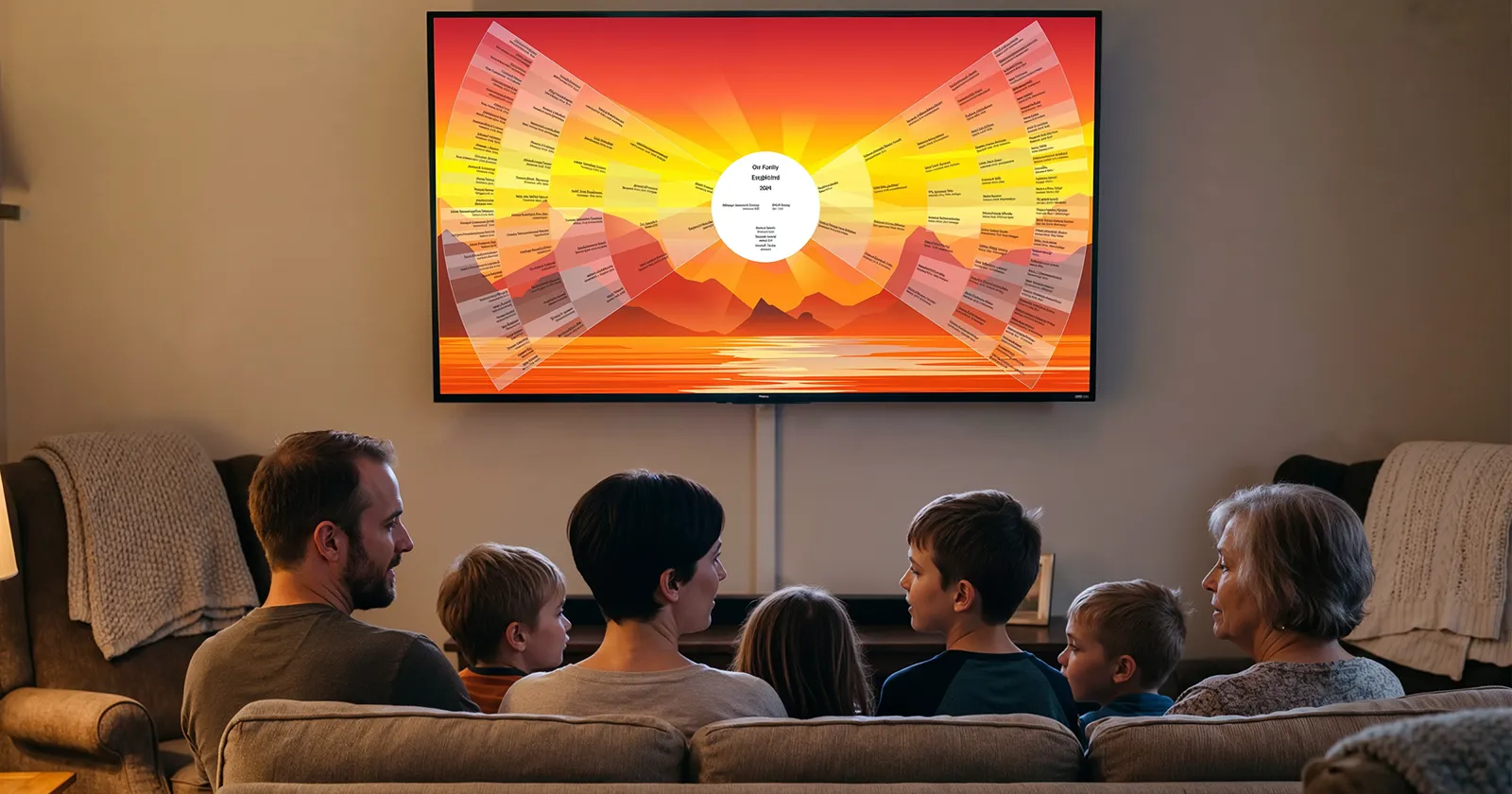
You've spent years building the tree. The names are right, the records are attached, the branches run back six generations. And the one place the whole family ever gathers — the living-room TV — has never seen it.
Here are the three realistic ways to change that, from quickest hack to the real thing.
Option 1: Cast or mirror your screen
Every genealogy site runs in a browser, and every modern TV can mirror a laptop or phone — AirPlay to an Apple TV, Chromecast from a browser tab, or an HDMI cable if you like certainty.
Good: free, works tonight, shows exactly what you see at your desk. The catch: it shows exactly what you see at your desk. Websites are designed for a mouse at two feet, not a couch at ten — the text is small, the interface chrome comes along for the ride, and one person has to drive from the laptop while everyone else watches a cursor wander. It works for a quick "look what I found." It isn't an experience.
Option 2: Make a slideshow of chart images
Export your tree as images — a fan chart from FamilySearch, chart views from your desktop software — drop them in a photo app, and play the slideshow on the TV.
Good: simple, ambient, nice at reunions. The catch: it's a picture of a tree, not a tree. Nobody can ask "wait, go into her parents" — the answer is always whatever you exported. Fine as decoration; a dead end for curiosity.
Option 3: A family tree app built for the TV
The third option didn't exist until recently: an app that runs natively on the TV itself and treats your family tree as the entire interface. Bright Branches is built for exactly this — Apple TV, Google TV, Android TV, and Fire TV, with an iPad companion.
The difference from casting is the difference between watching and exploring. The tree fills the screen edge to edge — no browser, no toolbars. Anyone holding the remote can glide across generations and land on any ancestor, and the tree smoothly re-centers on that person, their profile and records one press away. It feels closer to a beautifully made game than to software, which means the eight-year-old and the eighty-year-old can both drive.
Your existing research comes with you: sign in with FamilySearch and your tree appears instantly (free to start), upload a GEDCOM file from RootsMagic, MyHeritage, Family Tree Maker, or Legacy, or have a full Ancestry tree brought over — photos and source records included. Nothing is retyped; the tree you built is the tree on the wall.
And when nobody's actively exploring, it earns its place on the screen: a screensaver mode turns the tree into slow-moving ambient art, so the family history stays part of the room instead of disappearing into a tab.
Which should you pick?
- Showing one discovery to one person tonight → cast your screen.
- Backdrop at a reunion table → slideshow.
- The family actually gathering around the tree — kids finding themselves, grandparents finding their parents → the native app is the only version where that happens.
Related reading: What Is an Interactive Family Tree? · What to Do With Your Family Tree After the Research