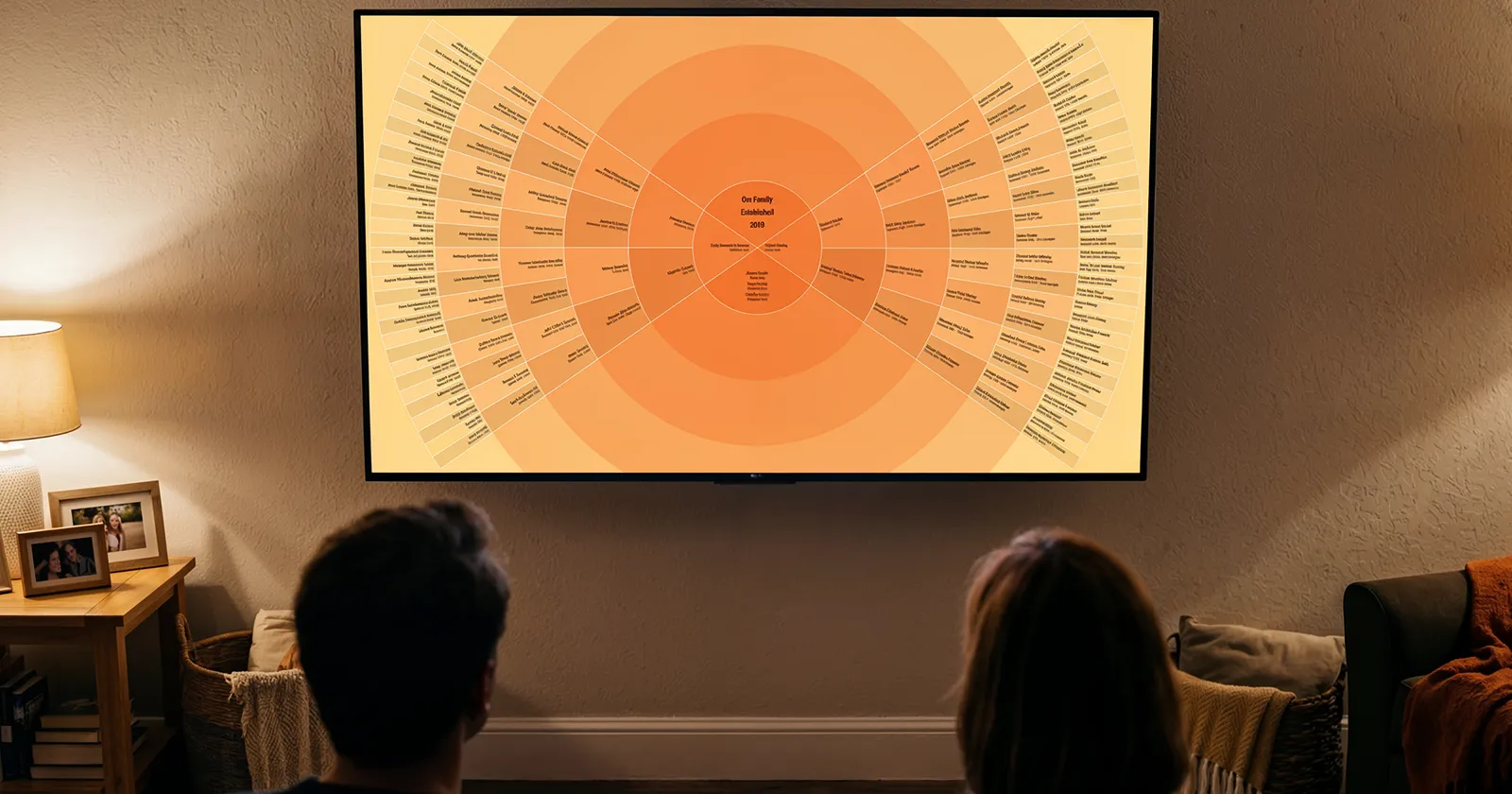
A paper family tree shows you names. An interactive family tree lets you travel through them.
The difference sounds small until you're standing in front of one. On paper — or in a static image — a family tree is fixed. Whoever made it decided who sits in the middle, how many generations fit, and whose branch got trimmed for space. Everyone else is a spectator.
An interactive family tree flips that. Any person on the chart can become the center. Choose your grandmother, and the whole tree reorients around her: her parents and grandparents fanning out on one side, her descendants — including you — on the other. Choose her father and it happens again. The tree isn't a picture of one perspective. It's every family member's perspective, one selection away.
What makes a family tree "interactive"
Three things, in practice:
You can move through it. Instead of scanning a fixed image, you glide across generations — from your children's names at the center out to great-great-great-grandparents at the rim, and back.
You can re-center it on anyone. This is the defining feature. Every person in the tree can become the focal point, with the chart smoothly rebuilding itself around them. Six generations of their ancestors, not just yours.
You can open a life, not just a name. Behind each name sits a profile: birth, marriage, migration, occupation, the records themselves. A census page from 1910. A ship manifest. The tree becomes a doorway rather than a summary.
Where interactive trees live now
For twenty years, the answer was "in a browser tab" — genealogy sites like FamilySearch and Ancestry pioneered click-to-explore trees on the desktop. That's where the research happens, and it's where most trees still sit.
The newer development is the living room. Bright Branches brought the interactive family tree to the television — Apple TV, Google TV, Android TV, and Fire TV — where the whole family can explore it together from the couch, steering with the ordinary remote already in someone's hand. Select a great-grandfather and the tree re-centers on him, full-screen, while three generations of his descendants watch from the sofa. There are no menus to learn and nothing to install on anyone's phone; the tree itself is the whole screen.
That shift — from one researcher at a desk to a family in a room — is what interactivity was always for. A tree you can explore invites questions ("who's that?"), and questions are how family history actually gets passed down.
Do you have to build a new tree to get one?
No — and this matters. If you've researched your family on FamilySearch, exported a GEDCOM file from software like RootsMagic or MyHeritage, or built a deep tree on Ancestry, that work is the tree. An interactive viewer displays what you've already built; you don't re-enter a single name. (FamilySearch users can start free — the tree appears the moment you sign in.)
The short version
An interactive family tree is one where any ancestor can take center stage, where every name opens into a life, and where exploring feels like travel instead of reading. It used to require a desk and a mouse. Now it fits on the biggest screen in the house.
Related reading: How to Display Your Family Tree on a TV · What to Do With Your Family Tree After the Research