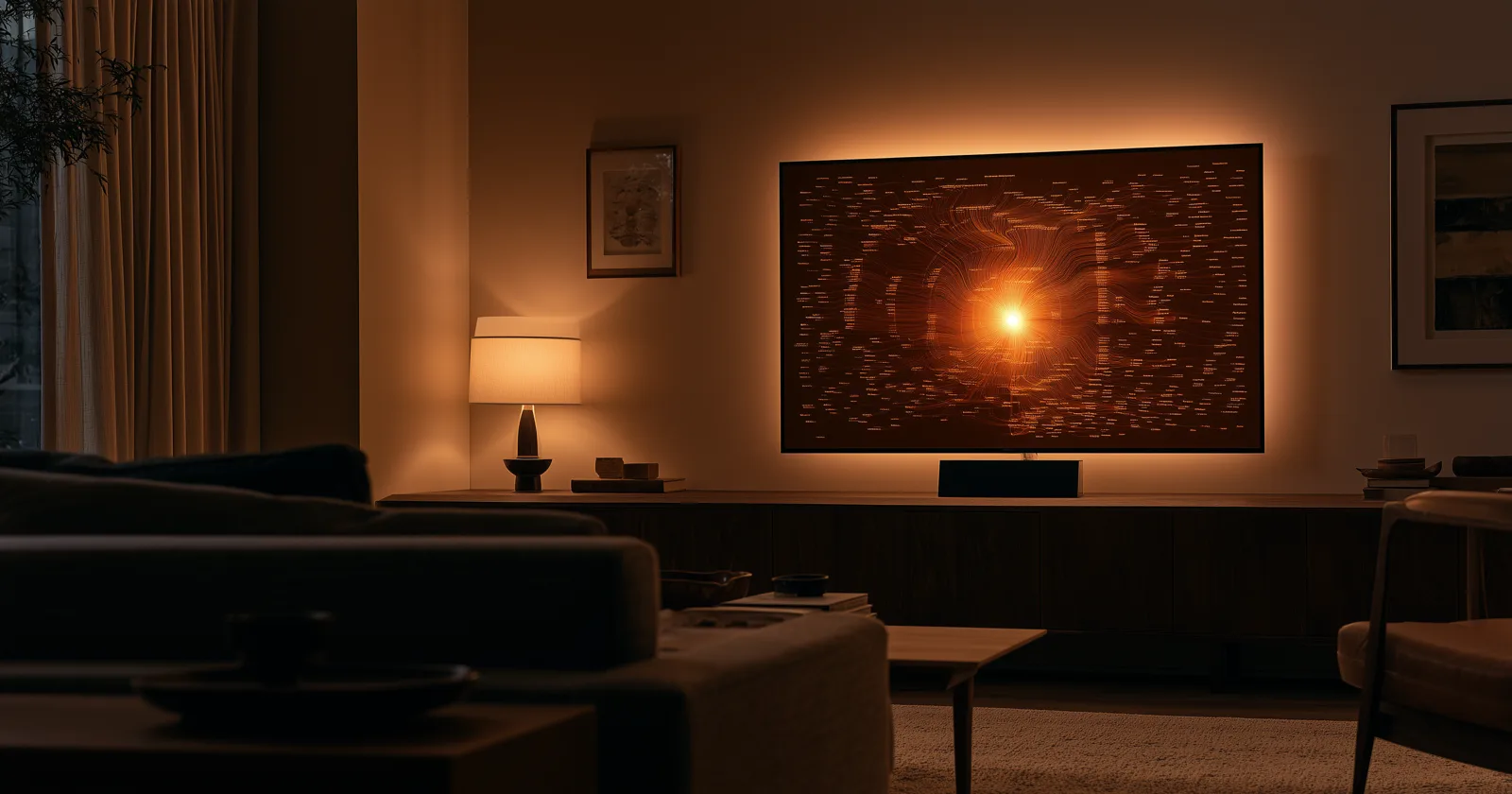
Count the hours your television is on. Now count the hours it's a black rectangle on the wall.
For most households the second number is much larger. The single biggest, best-lit surface in the house spends most of its life switched off, which is why art-mode televisions became a category — people will pay real money to make that rectangle stop being a void.
A family tree is a strange and very good thing to put there.
What a family tree screensaver actually is
Not a slideshow of family photos. That's a different thing, and it's fine, but it behaves differently: a photo slideshow is a sequence of unrelated moments, and after a few dozen cycles your eye stops registering it.
A family tree screensaver is one continuous image with structure. The same chart, drifting slowly — the view moving across generations, the palette shifting, the whole thing lit and composed like a piece of wall art rather than a data view.
What makes it hold up over months is that it rewards a glance instead of demanding attention. You walk past, your eye catches a name in an outer ring, and you think huh, Anna Kristiansen — and then you keep walking. It's not a slideshow you watch. It's a picture you live near.
The built-in options first
Before anything else, know what your TV already does.
Apple TV ships with the aerial screensavers — the drone footage of coastlines and cities, which are genuinely beautiful and update over time. It can also pull from your iCloud photo albums, and it supports third-party screensavers from apps you've installed.
Google TV and Android TV have Ambient Mode, which defaults to a curated art and photography stream and can be pointed at a Google Photos album instead.
Fire TV has Ambient Experience on newer devices, again with a photo-album option.
Digital photo frames solve a related problem at desk scale. Good ones, poor screens on cheap ones.
If what you want is family photos on the wall, all four of those do it today, free, and you should just use them. Genuinely — don't install anything.
The gap they don't fill is structure. A photo album shows you people. It doesn't show you how they're connected, and it can't show you the ones nobody photographed, which for most families is everyone born before about 1890.
Why a tree works as ambient art when a spreadsheet doesn't
A family tree has three properties that happen to make good wall art.
It's radially symmetric. A fan chart, a bow-tie, a clock face — these are balanced shapes with a natural focal point, which is exactly what a composition needs to survive being looked at sideways from a couch for a year.
It has depth of detail. From across the room it reads as pattern and color. From four feet away it resolves into names. Wall art that changes with viewing distance stays interesting far longer than art that doesn't.
It's about the people in the room. This is the whole thing, really. Ambient art on a television is usually a mountain range or an abstract, chosen because it's pleasant and inoffensive. A family tree is pleasant, and it's also yours — and no stock photograph ever makes a nine-year-old stop and ask who somebody was.
What we built
Bright Branches includes a screensaver mode on Apple TV, Google TV and Android TV, and Fire TV, using the same tree you'd otherwise be exploring.
It drifts. The view moves slowly across the chart rather than sitting still, and over a long idle period it moves between designs and backgrounds so the same family shows up as a fan, then as pods, then as a clock face. Colors change with it. The intent is that it never quite settles into wallpaper.
It wakes into the live tree. Pick up the remote and you're not dismissing a screensaver — you're already in the tree at the place it had drifted to, free to move through it and stop on whoever caught your eye. The idle state and the active state are the same thing at different speeds, which is the part that makes people actually use it rather than just leave it on.
And it uses your real tree, from FamilySearch, a GEDCOM upload, or an Ancestry import. Not a sample. The first time it surfaces a great-grandparent's name while you're doing something else entirely in the kitchen is the moment the whole idea justifies itself.
Practical notes
Burn-in. OLED panels can retain a static image over very long exposure. Any screensaver worth using drifts and shifts rather than holding a fixed frame, which is most of the mitigation; modern sets also run their own pixel-shifting and refresh routines. LED and QLED panels are effectively unaffected. It's worth knowing about, not worth worrying about.
Your TV's own timeout will still fire. Most sets power down the panel after a set idle period regardless of what's displayed. If you want the tree up for an evening, that setting is in your television's power or eco menu, not in the app.
Power. A television displaying a mostly-dark chart draws meaningfully less than one playing video, but it isn't free. If it's running for hours daily, that shows up.
Room light matters more than you'd think. These look best in the same conditions art looks best in — indirect, warm, not blasted by a west-facing window at 5pm.
The unglamorous version of why this matters
Everybody's tree is technically visible already. It's in a browser tab, or an app, and getting to it takes forty seconds — sign in, load, navigate, zoom.
Forty seconds is enough friction that nobody does it casually. Which means the research that took someone years gets looked at on purpose, occasionally, usually when there's a reason.
An ambient version inverts that completely. Nobody has to decide to look. It's just there, on the wall, in the room where the family already is — and the looking happens by accident, which turns out to be the only way it happens at all. More on getting a tree out of the tab.
Keep reading: