If you've built your tree on Ancestry, you've probably already tried the obvious thing: looking for a way to get it onto the television, and finding that there isn't one.
That's not an oversight you're missing. Here's why the path is awkward, and what the two real options are.
Why this isn't one click
Ancestry doesn't offer a public interface that lets third-party apps read your tree the way, say, a fitness app can read your step count.
A very small number of programs do have sync access, through longstanding commercial arrangements — Family Tree Maker and RootsMagic being the two most people have heard of. Everyone else is outside that door, and there's no queue to join.
So any route from Ancestry to your TV runs through one of two things: a file you export yourself, or a tool that has that access.
Route 1: Export a GEDCOM yourself
Free, takes about two minutes, and it's the right answer for a lot of people.
On Ancestry: go to Trees, open the tree you want, then Tree Settings, and look for the export option. Ancestry generates a .ged file and emails you a download link. Small tree, a minute; large tree, longer.
What you get: every person, every relationship, every name, date, and place. The structure of your research, complete.
What you don't get: the photographs, and the attached record images — the census pages, the ship manifests, the draft cards, the scanned certificates. GEDCOM stores references to media, not the media itself, and Ancestry's export doesn't bundle the files. More on what's actually inside a GEDCOM.
For many people that's a perfectly acceptable trade. If what you want on the wall is a fan chart of names, the export gives you exactly that, for free, tonight. Upload the .ged and you're done.
If the thing you're proud of is the documentation — the twenty years of records you attached one at a time — the export loses the part you care most about.
Route 2: A concierge import
This exists specifically for the second case, and it's how we handle Ancestry trees at Bright Branches.
What you do: share your tree with a designated address from within Ancestry, at the access level Ancestry requires for a licensed sync tool to pull a complete copy including attached records. That's it — it takes about fifteen minutes of clicking, and it's the only part that involves you.
Being straight about that access level, because you'll see it on the permission screen and an unexplained permission request is a reasonable thing to be suspicious about: Ancestry's sharing model doesn't offer a read-only tier that includes source records. Editor-level is what a sync tool needs to pull the complete picture. Nothing in your Ancestry tree is changed. No names, no dates, no relationships, no attachments — a copy comes out, nothing goes in. You can revoke the sharing the moment the import is finished, and plenty of people do.
What we do: pull the tree and its attached sources through RootsMagic's TreeShare, then bring the whole thing across — people, relationships, photographs, and record images — and host it for viewing. Most imports are finished within a couple of business days. On our end it's a mostly automated pull with a bit of human checking, which is why the fee is one-time and modest rather than the sort of number a manual re-keying service would have to charge. It's listed on the pricing page.
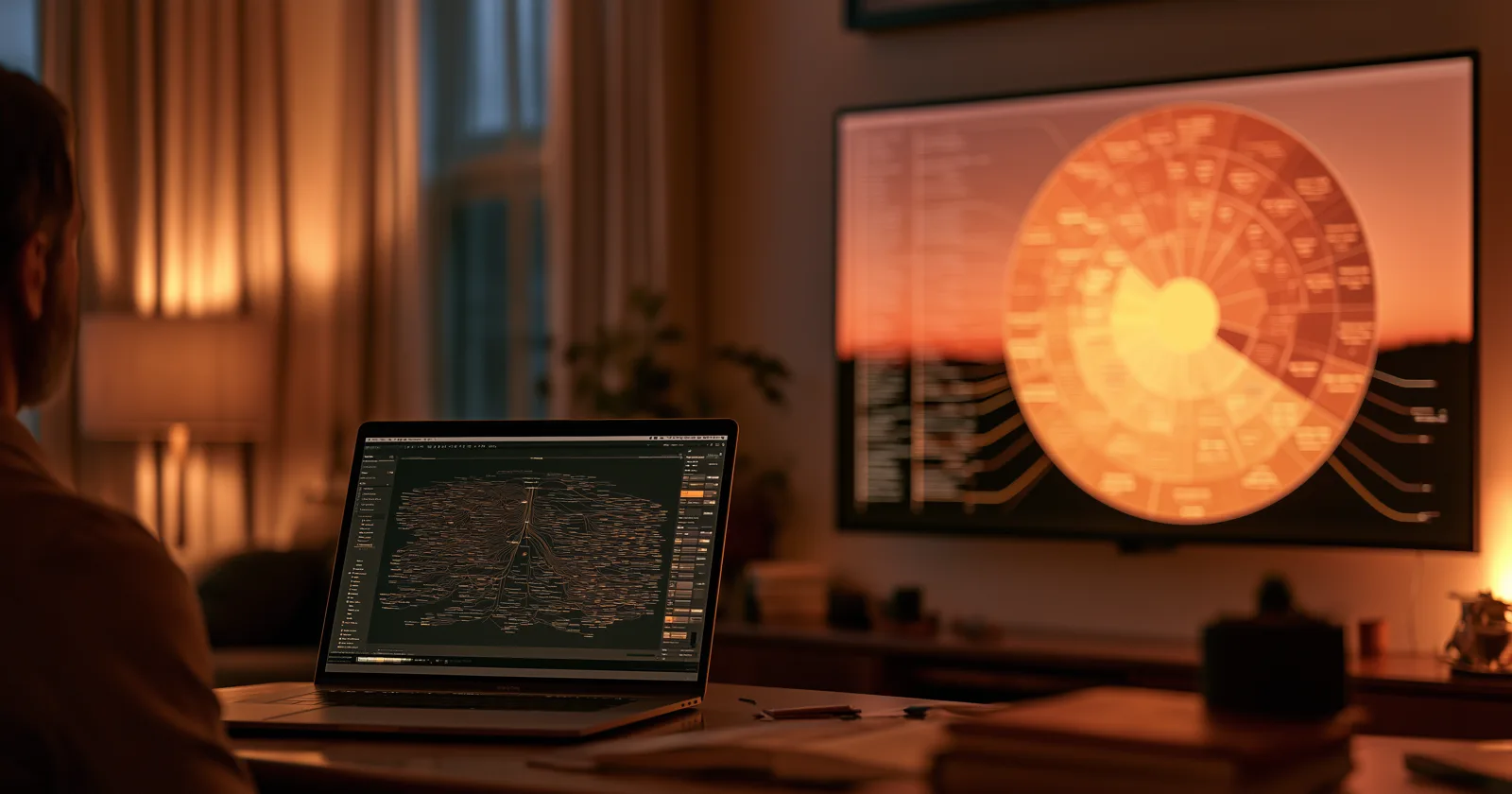
What you end up with: your Ancestry tree on the television — fan chart, bow-tie pods, an organic tree, a grid, or a clock face — with the photographs and record images along for the ride. Moving through it is done with the ordinary remote, and the chart reorients as you go so whoever you've landed on stays at the center.
When your tree changes: your research keeps happening on Ancestry, where it should. When you want the displayed copy brought up to date, ask — one refresh a month is included at no extra cost.
Which route
| GEDCOM export | Concierge import | |
|---|---|---|
| Cost | Free | One-time fee |
| Your time | ~2 minutes | ~15 minutes |
| Names, dates, places | Yes | Yes |
| Photographs | No | Yes |
| Attached record images | No | Yes |
| Updates | Re-export and re-upload | Ask for a refresh |
Straightforwardly: if your tree is mostly names and dates, export the GEDCOM. It's free and it does the job. Don't pay for something you don't need.
If you've spent years attaching records and photographs, the concierge route is the one that puts what you actually built on the screen rather than a skeleton of it.
A note on where your research should live
Whichever route you take, keep researching on Ancestry.
Ancestry is a research platform — hints, record collections, DNA matches, the machinery for finding people. A display is a display. The tree on your television is a view of your research, not a second copy of it that you have to keep in step by hand. Your work stays in one place, and the wall shows what's there.
That separation is deliberate on our side. We don't want to be the place your tree lives; we want to be the place your family sees it. More on that distinction.
Keep reading: