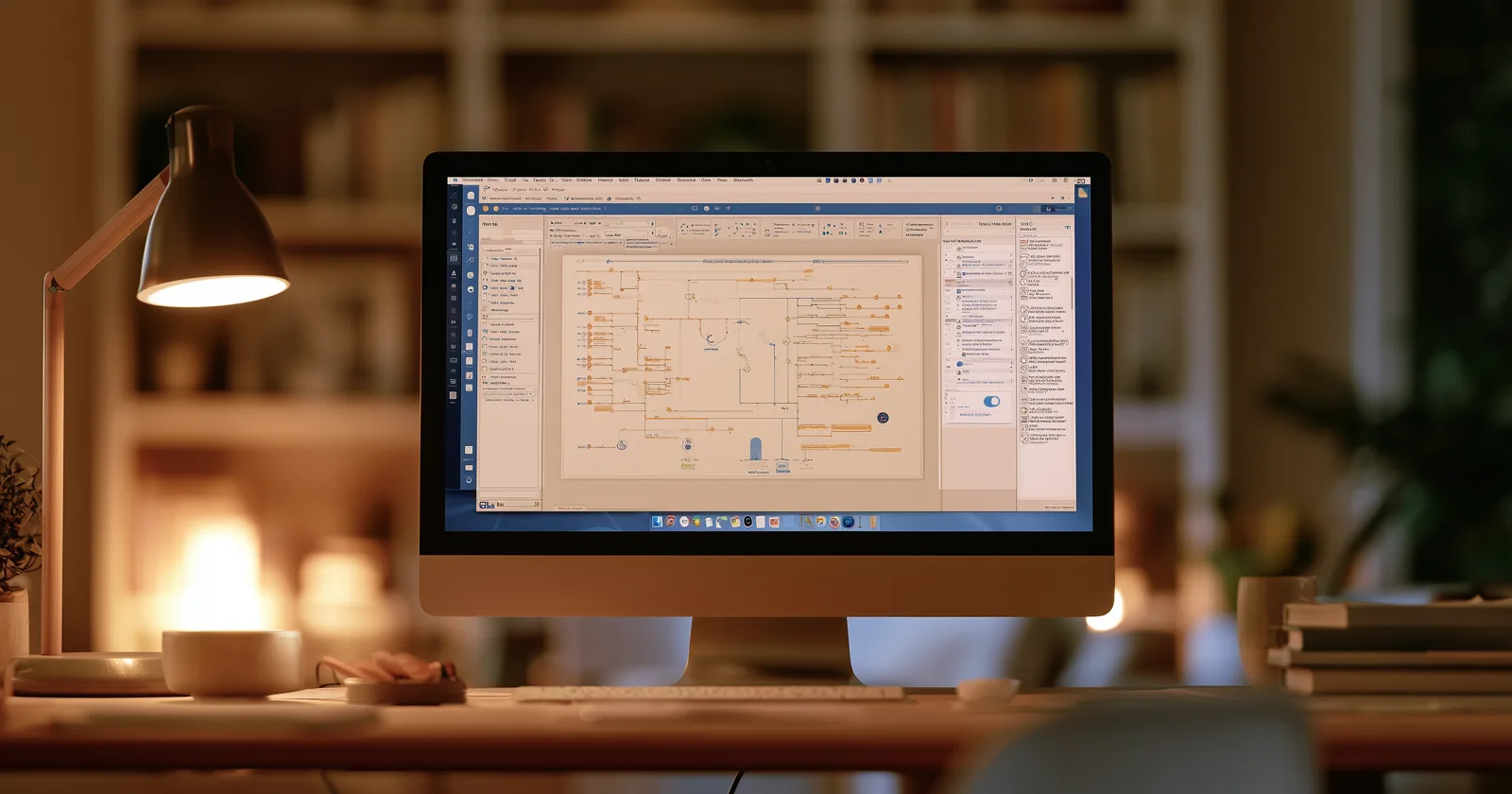
Every few years someone declares desktop genealogy software dead. The web platforms are easier, they have the records, and they work on a phone.
The category has not died, and the reason is simple: a desktop program is the only arrangement where the file is yours. It sits on your machine, it works with no internet connection, it doesn't stop when a payment fails, and it doesn't change because a company changed its mind.
That's the question desktop software answers. Here's the current field.
RootsMagic
Now on version 11, running on both Windows and Mac, sold as a one-time purchase rather than a subscription.
RootsMagic has become the default recommendation for most people, and it earns it. It's substantially friendlier than Gramps, considerably more actively developed than some of its competitors, and its GEDCOM handling is reliable — which matters more than it sounds, because a program that reads and writes the standard cleanly is a program you can leave.
Its distinguishing feature is connection to the online platforms while keeping the tree on your computer. It has arrangements with both Ancestry and FamilySearch that let it match against and exchange with those trees, which very few desktop programs have. That access is a genuine competitive position and it's why RootsMagic turns up in workflows that have nothing to do with day-to-day research.
RootsMagic Essentials is the free tier and it's a real program, not a crippled demo. If you want to open a GEDCOM and look at it properly without paying anything, start here.
Gramps
Free, open source, cross-platform, and the most capable thing on this list.
Gramps does not care whether you find it friendly. The interface is dense, the terminology is precise rather than welcoming, and the learning curve is real. In exchange you get a program with no commercial agenda, no subscription, no telemetry, and no possibility of being discontinued because a business unit was reorganized — the source code exists and will continue to exist.
It handles large and complicated trees better than most commercial software, its reporting and charting are extensive, and its data model is more rigorous about sources and evidence than anything else here.
Choose Gramps if you're technically comfortable, you intend to keep this data for decades, and you'd rather learn a tool properly than be guided through one.
Legacy Family Tree
On version 9, Windows-native, with a free edition alongside the paid one. It runs on Mac and Linux only through compatibility layers, which is a real limitation in 2026.
Legacy's strength has always been output — charts, reports, and books. If the end product of your research is a printed document, this is the program that takes that seriously. It's also strong on source documentation and research-management features like to-do lists and correspondence logs, which is the kind of thing that only matters once you've been at this for a few years and then matters a great deal.
Family Tree Maker
Published by MacKiev since Ancestry sold it, and still on its 2019 release — a long gap that's worth knowing about before you buy.
Its case is Ancestry sync. If your research lives on Ancestry and you want a local copy that stays in step, FTM is the program built for that, and the arrangement is longstanding. It handles media well and the charting is capable.
The caution: a program whose main value is an arrangement with another company inherits that company's decisions. FTM has already been sold once when Ancestry decided it wasn't strategic. That isn't a reason to avoid it, but it is a reason to keep your own GEDCOM exports regardless. More on that.
MacFamilyTree
From Synium, and the Mac-native option — built for the platform rather than ported to it, with the visual design that implies. Its chart and virtual-tree views are the best-looking output in the category by some distance, and it has an iOS and iPadOS sibling that shares data.
Choose it if you're Mac-only and presentation matters to you.
Family Historian
UK-oriented, proprietary, and well regarded by British researchers. If your research is primarily British or Irish, it's worth a look alongside the others; if it isn't, the others cover you.
What to actually judge them on
Feature lists are not useful here — they all do the core job, and they all have more features than you'll use. Four things actually differentiate them.
GEDCOM fidelity. How cleanly does it read and write the standard? This determines whether you can ever leave. A program that mangles imports or drops data on export is a trap regardless of how good it is otherwise.
Whether it works offline. All of these do, which is the entire point of the category. Verify it if you're evaluating something not on this list.
Sync arrangements, if you need one. Only a handful of programs have licensed access to Ancestry or FamilySearch trees. If a local copy in step with an online tree is your requirement, that narrows the field to two or three immediately.
Whether it survives the company. Open source survives by definition. Commercial software survives as long as someone maintains it. Your data survives if you export GEDCOMs and keep them, which is the habit that makes this question less frightening.
Which one
| If you... | Use |
|---|---|
| Want the safe default | RootsMagic |
| Want it free and are technically comfortable | Gramps |
| Want to open a GEDCOM and look at it, free | RootsMagic Essentials |
| Care most about printed output | Legacy or MacFamilyTree |
| Need a local copy in step with Ancestry | Family Tree Maker or RootsMagic |
| Are Mac-only and care how it looks | MacFamilyTree |
| Research primarily British lines | Family Historian, or any of the above |
For export mechanics — getting a GEDCOM out of any of these, or out of an online platform to bring in — the per-app guides at brightbranches.com cover the specific steps and are kept current.
The thing desktop software is for
It's not that these programs are better at research than the web platforms. Mostly they aren't — the platforms have the records, and records are what research runs on.
What desktop software is better at is being yours. The file is on your disk. You can copy it, back it up, put it on a drive in a drawer, and open it in fifteen years on a machine that doesn't exist yet. No account, no renewal, no terms-of-service change.
The sensible arrangement for most serious researchers ends up being both: research on a platform where the records are, and keep the authoritative copy locally where nothing can happen to it.
And then, separately, do something with the result — because a file on your disk has the same problem as a tree in a browser tab, which is that nobody except you ever looks at it. More on that.
Keep reading: